Four-week programme · November 2026
Become an Agentic Structural Engineer
Pick one repetitive workflow from your own work. In four weeks, build an AI agent that does it for you. The engineering decisions stay yours.
 Taught by Mohamed Adil, structural
engineer and creator of Awatif
Taught by Mohamed Adil, structural
engineer and creator of Awatif
Registration closes
Built in the course
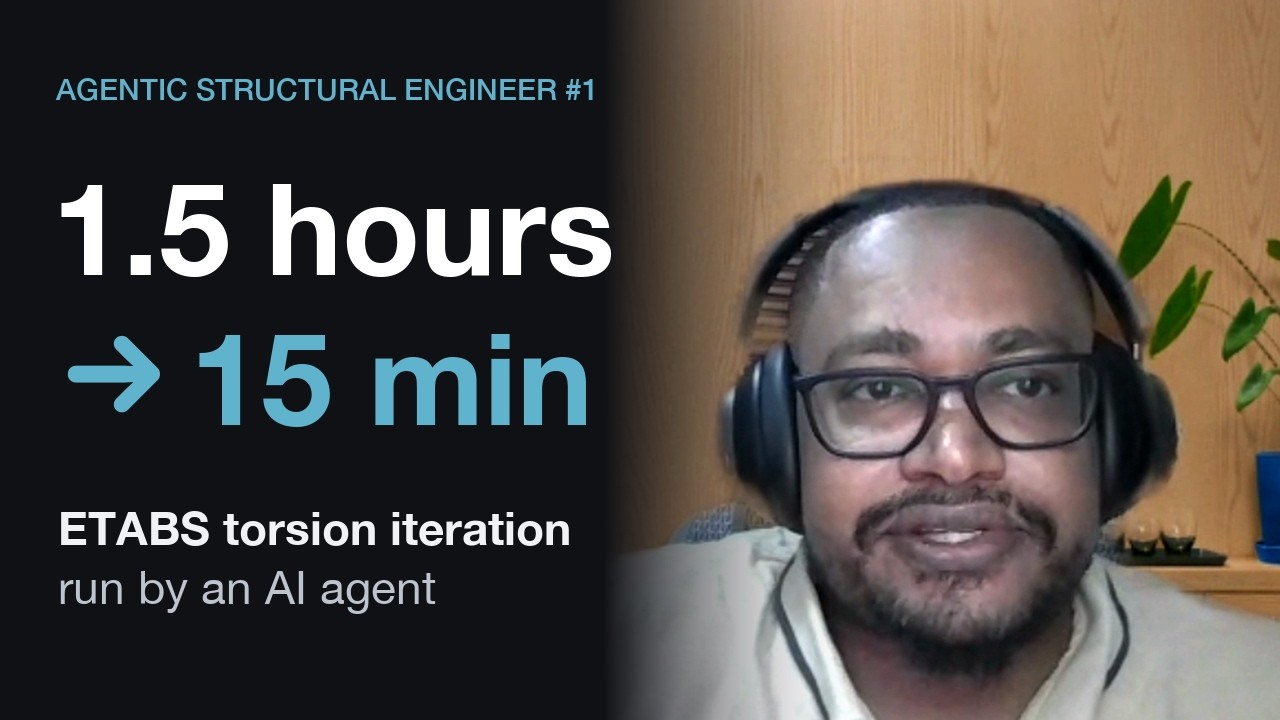
ETABS torsion iteration
1.5 hours → under 15 minutes
“You don't need to learn everything about AI. You need to learn the path to achieve your goals.”
Muhanned Othman, structural engineer, Dubai

Drilled pier design
Half a day → under 30 minutes
“If I can do it, anyone can do it.”
Michael Jones, structural engineer
How it works
You build a working agent for one real workflow from your own projects. It does the repetitive part; you set the assumptions, make the engineering decisions and check every result. The target is 30% less time on that workflow, measured against a baseline you time yourself before Week 1.
-
Before we start: Pick your workflow
Choose one workflow you repeat on your projects, whose inputs are already digital files, like IFC models, PDFs or spreadsheets, and whose result you can check yourself. Write down how you do it today and time one run: that's the baseline your agent is measured against. No suitable project? Follow the timber roof example instead.
-
Week 1: Design the workflow
Map every step, the engineering decisions in it and the points where you approve, as a flowchart. Then design your agent around it, and prove your tools run on a small model.
-
After Week 1: Private review
A 30-minute call, just you and me, to go through your flowchart and make sure your project fits Weeks 2–4.
-
Week 2: Understand the data
Learn what a data structure is, then turn your flowchart into one: what each step takes in and hands on. Fill it from your own IFC models, PDFs or spreadsheets, and check the result on screen.
-
Week 3: Connect the tools
Give your agent the calculation tools you already trust, through an API, a command line or an MCP server. Add checks on inputs, units and results, so it never hands you an unverified answer.
-
Week 4: Run the agent
Watch an agent take a timber roof from an IFC model to a verified design, a report and drawings. Then write the skill for your own workflow, run it, verify its deliverable and measure the time it saves against your baseline.
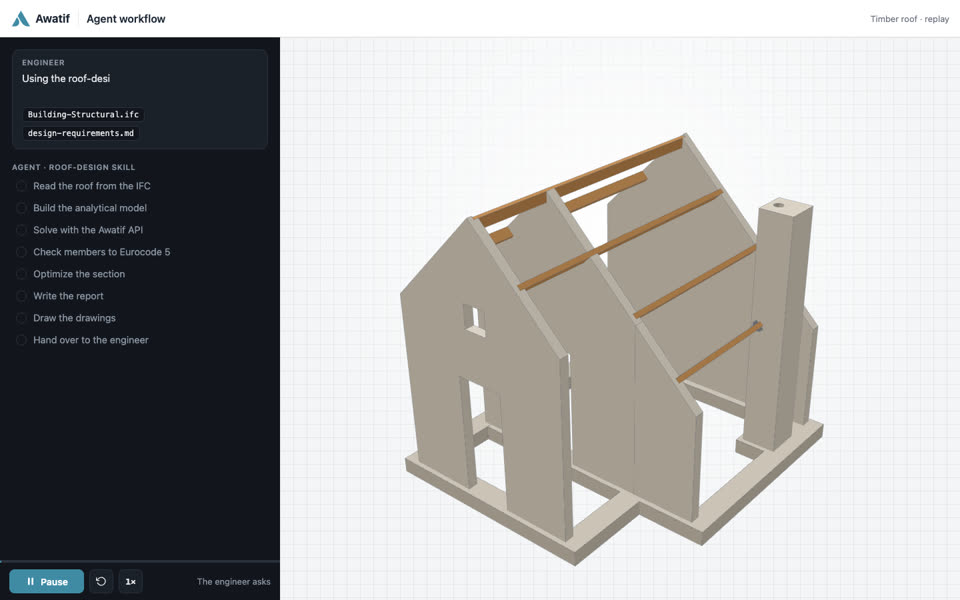 Watch the Week 4 demo: a timber roof
-
Any time: Second private review
Another 30 minutes on your own project, whenever you need it most: when you're stuck, or to check your agent before the course ends.
Your instructor
Mohamed Adil
For 15 years I've worked as both a structural engineer and a software developer, building the tools I always wished I had. The biggest is Awatif, the open-source harness for agentic structural engineering, with 185+ stars on GitHub.
I share what works and what flops along the way on the blog.
Questions
Do I need to know how to code?
No. The agent writes the code. Week 2 covers what you need to read and check it, starting from what a data type is.
Will you build the agent for me?
No, you build it, on your own workflow. The sessions show you how, and the two private reviews keep you on track. If you're after a general overview of AI, this isn't the course for you.
Does it work with ETABS or the software I already use?
The agent drives the tools you already trust; it doesn't replace them. If your software has an API, the agent can use it, the way Muhanned's agent runs ETABS.
What do I need to install?
VS Code, Git, Node.js, uv and the ChatGPT Codex extension, which needs a paid ChatGPT plan. A prep video walks you through each one before Week 1. Check first that you're allowed to install software on your work machine.
What if I can't make a Saturday?
Every session is recorded and posted afterwards. The sessions are demos: you watch, and the building happens in that week's assignment on your own workflow, with the two private reviews to keep you on track. So you can take the whole course from the recordings.
Can my company pay?
Yes. I send an invoice with your company name and VAT number, and a team can book several seats on one invoice. Message me to arrange it.
Not ready yet?
Get the newsletter: new agent examples from structural engineering, and the next cohort's dates.